If you build in public, your bio link gets a lot of traffic from people deciding whether you're worth following. Most founders send that traffic to a list of links, or straight to their landing page. Both waste it.
A good link in bio for an indie hacker answers three questions in a few seconds:
- What are you building?
- Is it going anywhere?
- How do I follow along or get in early?
Lead with the product
Put your product first and make it big. On Drawr, an app tile shows your app icon edge to edge, or a screenshot if you add one. Add a short line under it, like "Mark up any screenshot in one click."
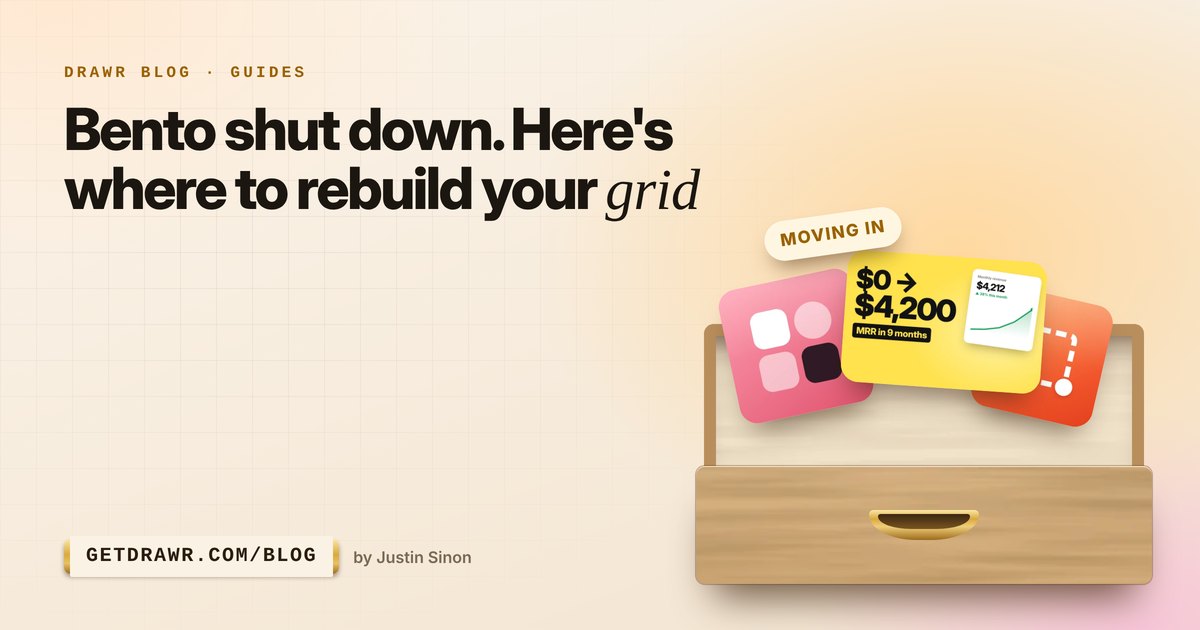
Use the badge to say something true and specific. A badge like "$4.2k MRR", "New" or "Launching Tuesday" draws the eye far more than another sentence.
Show your progress
People follow founders for the story. Make a Building in public drawer with:
- your latest devlog video (YouTube links become thumbnail tiles),
- your newsletter, so people can catch up,
- a note with what you're working on this week, like "Team plans ship Friday".
Update the note often. Returning visitors see a ring around anything you've added since their last visit, which gives them a reason to come back.
Collect a waitlist on the page
Most bio-link clicks happen once. If someone is curious but not ready to buy, catch their email.
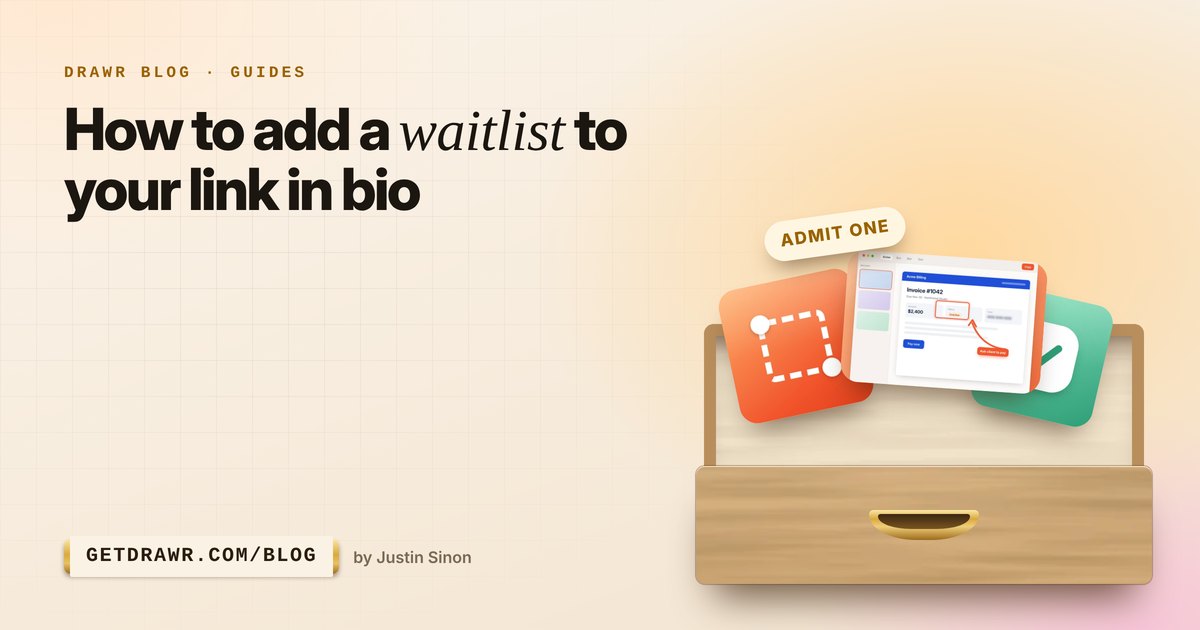
Drawr's email signup card does this right on your page: a short line, an email box and a button. Use it as a waitlist before launch and a newsletter after. You can download everyone as a CSV whenever you want. Read the waitlist guide for more.
Make launch day count
- Set a card to show only during your launch with Rules, like a Product Hunt card that appears on launch morning and disappears after.
- Add a webhook button that pings your Slack or Zapier when someone taps "Request a demo".
- Send phones to the right app store with iPhone and Android links on the same card.
Keep it tidy with drawers
Founders end up with a lot of links: the app, the docs, the changelog, the newsletter, X, GitHub, a podcast episode. Group them:
- Products: your app, your next app, your waitlist.
- Building in public: devlogs, newsletter, this week's note.
- Elsewhere: X, GitHub, LinkedIn, set to small tiles so they line up like app icons.
Watch what works
Stats show views, clicks, sparks and signups for every card. If your devlog gets more clicks than your product, that tells you something. If one post keeps getting sparks, write the follow-up.